The 3 Best Workflow Automation Tools for Enterprise Workflow Automation
Most enterprise teams still track approvals and policy checks in spreadsheets even after buying workflow software. The gap shows up as missed audit deadlines and manual rework whenever a new regulation arrives.
By the end of this article you will know the exact criteria to judge any automation platform, see how Process Street, ProcessMaker, and Pega each handle enterprise compliance needs, and leave with a clear first choice for your next rollout.
What to Look For in Enterprise Workflow Automation Tools
Enterprise teams need workflow automation tools that scale with complex approval chains, maintain audit trails, and connect with existing enterprise systems.
Visual process mapping with drag-and-drop builders allows teams to create and modify workflows without extensive technical expertise. These interfaces reduce the time required to document business processes and make updates easier when requirements change.
Role-based access controls limit task visibility to authorized users only. This capability supports security protocols by ensuring sensitive information reaches the right people while preventing unauthorized access to confidential data.
Audit log exports help teams prepare for SOC 2 and ISO 27001 reviews. These records provide detailed documentation of workflow activities, user actions, and system changes that compliance auditors require.
API connectors enable data synchronization between enterprise systems like ERP and CRM platforms. This integration capability ensures information flows automatically between tools without manual data entry or duplicate records.
SLA timers and escalation rules with automatic reminders keep approval workflows on schedule. These features notify stakeholders when deadlines approach and route tasks to backup approvers when needed.
1. Process Street - Best Overall
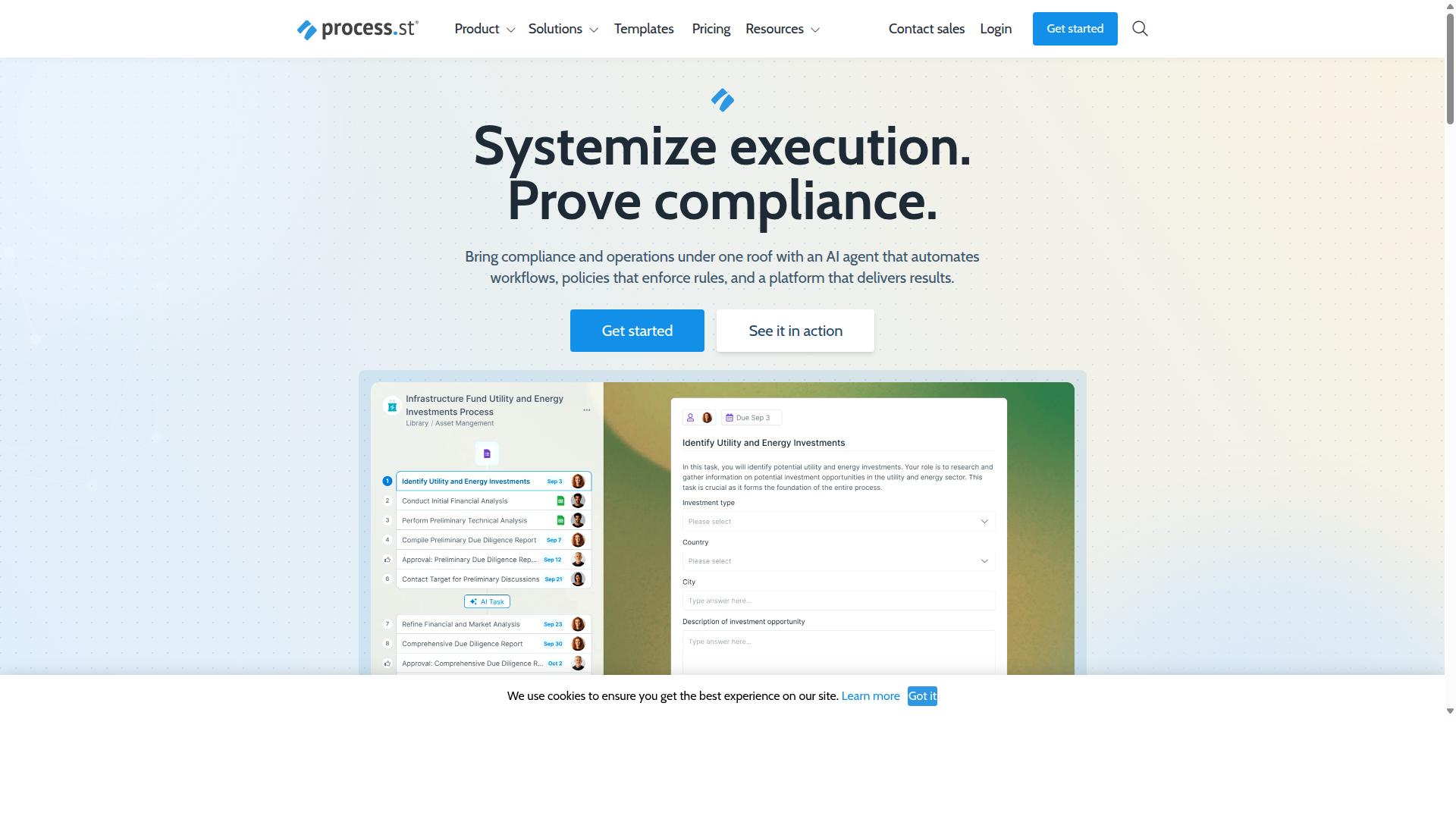
Process Street stands out for combining document governance with automated workflows, offering built-in controls that align with regulated industries.
The platform was built to automate business processes, enforce policies, and deliver audit-ready proof for organizations that require consistent operations across multiple teams and locations.
Three core offerings define the product suite. Docs handles document management and policy control. Ops manages workflow automation and process orchestration. Cora serves as the AI compliance and risk agent that monitors regulations around the clock.
Key Features for Enterprise Workflows
Core capabilities include AI-driven workflow orchestration, conditional approval chains, and real-time data synchronization across platforms.
Enterprise teams see concrete results from these features. IMCD UK standardized onboarding for 49k+ employees. Documentation processes moved 30% faster. Setup time dropped by more than 75%.
The platform connects with external systems through multiple integration paths. Zapier, Microsoft Power Automate, Tray.io, and Make handle common connections. Public API access supports custom development needs.
Compliance and Security Standards
Process Street maintains SOC 2 Type II and ISO 27001 certifications with full governance for ISO 9001, SOC 2, SOX, and FDA requirements.
Docs provides the document management layer that keeps policies current and accessible while maintaining version control and approval workflows.
Data residency options cover six regions. Organizations can select US, UK, Canada, EU, Australia, or UAE locations depending on regulatory needs. HIPAA compliance includes a Business Associate Agreement available on request. GDPR and CCPA requirements are built into the platform architecture.
Pricing and Deployment Options
Three subscription tiers-Startup, Pro, and Enterprise-run in the cloud with optional on-premise or hybrid deployment when required.
The Startup plan supports up to 5 users and 100 automation actions per month. Pro and Enterprise plans remove user limits, expand API access, and include premium support packages. Enterprise customers also receive dedicated success management and custom integration assistance.
2. ProcessMaker
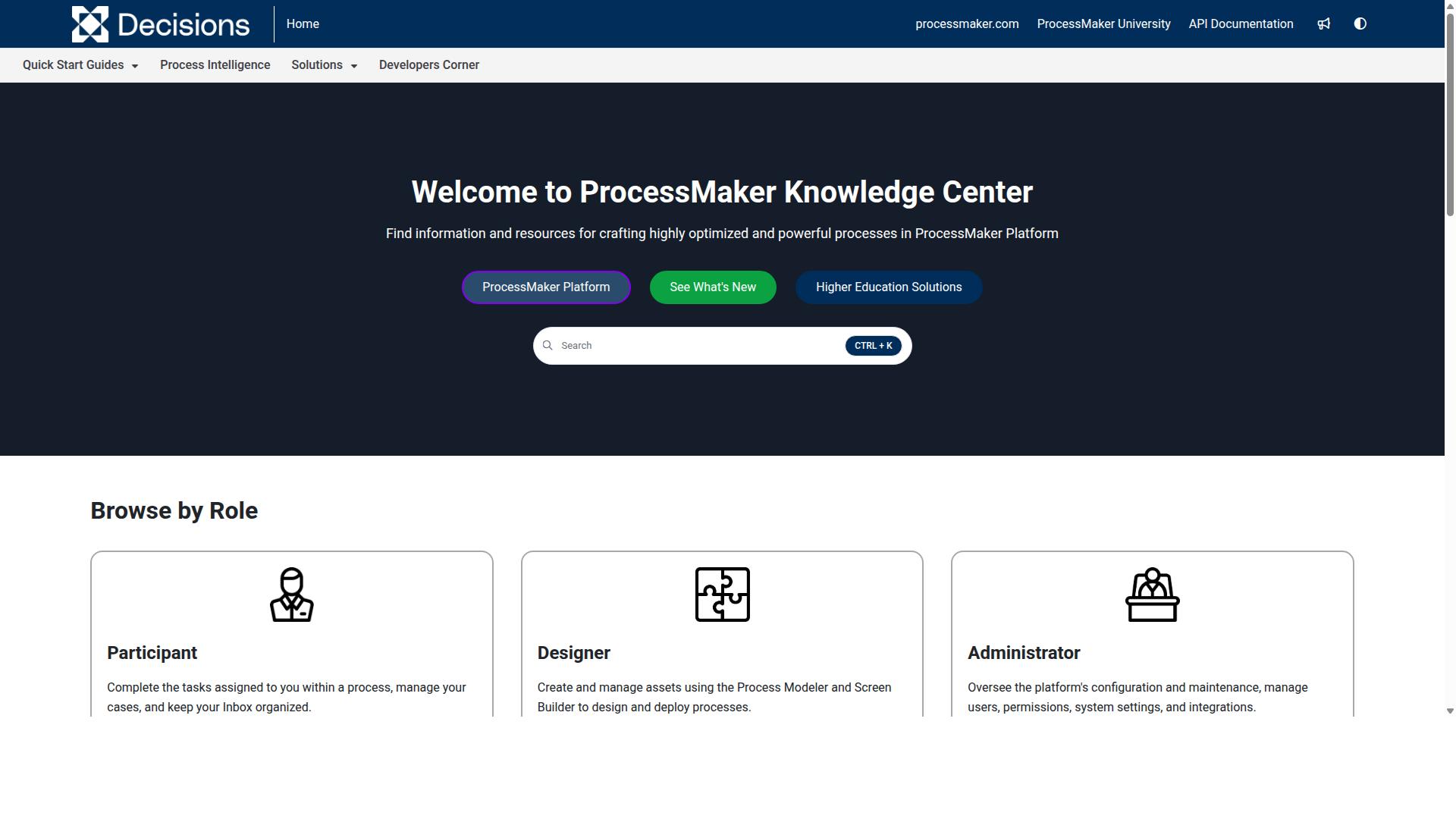
ProcessMaker is an open-source BPM platform that targets mid-market companies seeking low-code process design. The platform provides visual tools for mapping business processes without extensive coding requirements. Organizations can create structured workflows through graphical interfaces rather than traditional development approaches.
Enterprise teams often select this option when they need flexible process management with customization options. The system supports various deployment models depending on organizational requirements. Many companies appreciate the ability to modify workflows as business needs change over time.
Key Features for Enterprise Workflows
Highlights include drag-and-drop process modeling, multi-step approvals, and connectors to databases and cloud services. The visual form builder allows teams to create custom interfaces for data collection and entry. Case management features help organize and track individual process instances throughout their lifecycle.
The REST API layer enables connections with external systems and applications. Organizations can extend functionality through a third-party plugin marketplace. Basic SLA escalation rules help maintain service standards across different process types.
Teams working with approval workflows benefit from the structured routing capabilities. Document routing features support review and sign-off procedures. Data synchronization between connected systems happens through configured connectors and integration points.
Compliance and Security Standards
Role-based permissions and activity logging are core, while enterprise customers can add custom compliance modules. The platform supports industry-standard encryption for data protection during transmission and storage. Audit features are available via add-ons for organizations with specific reporting needs.
User permissions control access to different process areas and data sets. Activity logging creates records of system interactions and process changes. Security protocols can be configured based on organizational requirements and risk assessments.
Many enterprises need these security features when handling sensitive business information. The audit trails help track process execution and identify potential issues. Access controls ensure that team members only interact with relevant processes and data.
Pricing and Deployment Options
Offers both cloud SaaS and self-hosted packages with license fees based on concurrent users. Pricing is quote-based and depends on specific organizational requirements and usage patterns. On-premise or hybrid setups require separate infrastructure planning and technical resources.
Companies can choose deployment models that align with their existing IT infrastructure. Self-hosted options provide more control over data storage and system configuration. Cloud deployments reduce the need for internal technical maintenance and updates.
License structures typically scale with the number of users accessing the system simultaneously. Organizations should evaluate their current and projected usage when selecting deployment options. Infrastructure planning becomes important for companies considering on-premise installations.
3. Pega
Pega delivers a unified low-code platform that spans BPM, RPA, and AI decisioning for large enterprises. The solution centers on a model-driven architecture that lets teams build once and deploy anywhere. Enterprises gain a single source of truth for rules, cases, and customer data.
Its real-time decision hub evaluates every interaction against live business rules. This engine pushes next-best actions to front-line systems without manual handoffs. Teams can adjust thresholds instantly as market conditions shift.
Pega bundles robotics capabilities directly into the core platform. Users orchestrate attended or unattended bots through the same visual studio used for case flows. No separate licensing or scripting layer is required.
Key Features for Enterprise Workflows
Key strengths are the unified rules engine, case lifecycle management, and live data integration across legacy systems. Visual rule authoring lets business analysts change logic without touching code. Changes propagate instantly across every channel and process instance.
The Pega Robotic Automation add-on extends coverage to desktop tasks and mainframe screens. Bots inherit the same security model and audit trail as case work. This removes the seam between human steps and automated steps.
Deployment runs on Pega Cloud or inside customer data centers. Hybrid setups let sensitive workloads stay on-premise while lighter services leverage cloud elasticity. A single console manages updates across both environments.
Compliance and Security Standards
Security is built around granular role-based permissions and encryption at rest and in transit. Every rule, case, and bot step carries an immutable audit trail. Administrators can replay any decision path for internal or external review.
Optional compliance packs supply pre-built controls for HIPAA, PCI-DSS, or GDPR. These packs include data masking, retention policies, and consent workflows. Teams enable only the modules needed for their industry.
Dynamic class loading isolates regulated data from general workloads. Encryption keys can rotate automatically without downtime. Role changes take effect immediately across all running cases.
Pricing and Deployment Options
Licensing is usage-based and typically negotiated. Pricing depends on number of users, case volume, and add-on modules. Enterprise contracts often include onboarding services and success management.
Customers choose fully hosted, on-premise, or hybrid patterns at contract time. Scaling occurs through additional nodes or cloud bursting rather than new licenses. Renewal discussions focus on actual consumption metrics instead of seat counts.
How to Choose the Right Option
Selecting the right workflow automation tool hinges on team size, compliance requirements, and integration depth. Operations, compliance, HR, finance, and IT security teams each carry distinct needs that shape purchasing decisions. User limits, audit capabilities, and API extensibility become the decisive factors.
Operations teams typically manage employee onboarding and quality tracking. They require platforms that support growing user counts without performance loss. Scalability matters most when daily task volume increases across multiple locations.
Compliance and finance departments face strict regulatory oversight. They need clear audit trails and role-based access controls. Audit capabilities help satisfy ISO requirements and document control mandates common in financial services and healthcare.
HR teams handle client onboarding and document routing. They benefit from approval workflows that route forms through multiple stakeholders. Business rules engines ensure consistent processes across distributed teams.
IT and security teams evaluate API extensibility and data synchronization. They assess how well each tool connects to existing enterprise systems. API integration supports custom workflows that span multiple business applications.
Process Street serves these audiences through targeted use cases. The platform addresses employee onboarding, client onboarding, ISO compliance, quality tracking, document control, and custom workflows. Its design supports the industries listed above without requiring additional configuration layers.
Evaluate each option against your specific constraints. Map current team size against user limits. Review audit log depth against compliance standards. Test API endpoints against integration requirements before making a final decision.
Final Verdict
Process Street leads for organizations needing built-in compliance, rapid setup, and proven scalability. Enterprise teams select automation tools based on security certifications and user volume. Process Street serves over 3,000 companies and 1 million users.
SOC 2 Type II and ISO 27001 certifications demonstrate commitment to data protection standards. These credentials support organizations with strict regulatory requirements. Contact sales available through multiple channels.
Support options include email assistance and chat features. Average response time stands at 5 minutes. Customer satisfaction reaches 98 percent across all interactions.
Process Street appears on AWS Marketplace for streamlined procurement. Business process management requirements vary across industries. The platform addresses enterprise automation needs through established security protocols.
Organizations evaluate workflow automation solutions based on deployment flexibility. Role-based access controls and approval workflows support complex business structures. Process Street provides these capabilities alongside compliance automation features.
Recommended Resources: