Top 3 Workflow Automation Tools for Visual Workflow Modeling
Many teams still chase approvals through email chains and spreadsheets, losing days each month and failing audits when records scatter. These gaps push leaders to look for tools that embed process rules directly into the workflow instead of bolting them on afterward.
By the end of this article you will know the three visual modeling capabilities that separate the leaders from the pack, how Process Street, Camunda, and Appian each handle compliance proof and hand-offs, and which option fits the scale and governance rules you face right now.
What to Look For in Workflow Automation Tools for Visual Workflow Modeling
Selecting the right workflow automation tool requires evaluating key capabilities that determine whether teams can build, manage, and scale visual processes effectively.
Teams need native support for BPMN 2.0 notation with a drag-and-drop palette. This standard ensures diagrams follow recognized conventions that stakeholders understand immediately. Clear notation reduces miscommunication during reviews and handoffs.
Conditional logic branching paired with real-time simulation previews helps teams test paths before deployment. Visual previews reveal how rules interact across different scenarios. Teams can adjust decision points without waiting for full builds to finish.
The ability to embed approval workflows and task routing rules without code speeds implementation. Business users define routing sequences through simple interfaces. Teams avoid delays that occur when every change requires developer involvement.
Built-in collaboration features such as commenting, versioning, and role-based access keep processes consistent across teams. Multiple contributors can review changes and suggest improvements. Access controls protect sensitive workflow details while maintaining transparency.
Analytics dashboards that show process cycle times and bottleneck heat-maps provide visibility into performance. Teams can identify where delays occur and measure improvement after changes. Clear metrics support data-driven decisions about where to focus optimization efforts.
1. Process Street - Best Overall
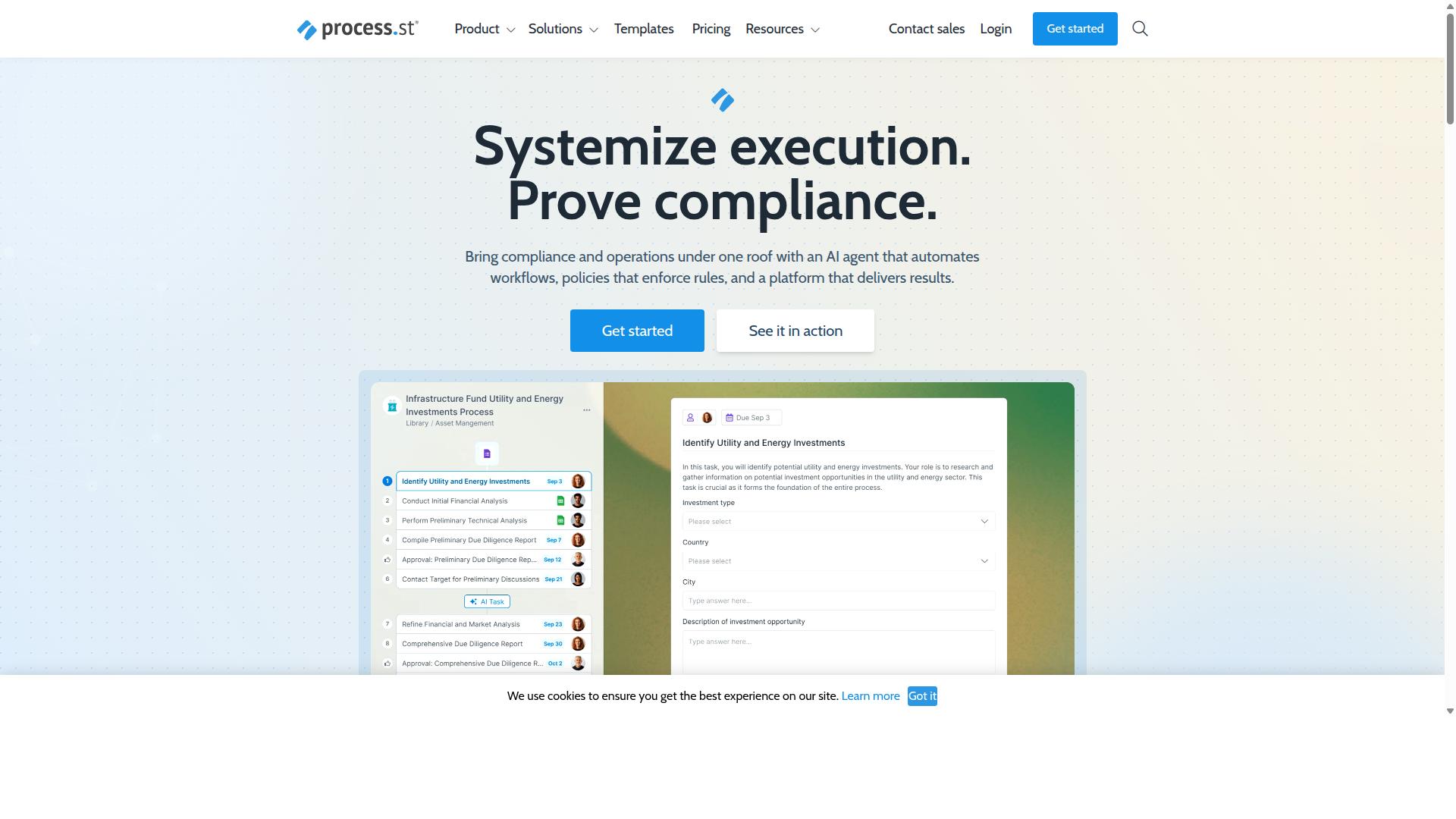
Process Street earns the top spot by combining a visual workflow builder with strong compliance controls and a transparent pricing structure.
Organizations need workflow automation tools that balance flexibility with governance.
This platform delivers both through its Ops product, which turns policies into AI-powered workflows.
Visual Workflow Builder Features
The core editor allows teams to map processes visually and embed conditional logic in minutes rather than days.
Users work within a drag-and-drop canvas that supports conditional branches and parallel tasks.
A library of workflow templates gives teams ready-made structures for common business processes.
Teams can duplicate, version, and share process maps across departments without recreating work.
Compliance and Audit Capabilities
Built-in controls ensure every workflow step meets audit requirements for ISO 9001, SOC 2, SOX, and FDA standards.
Automatic audit trails capture every action taken within workflows.
Policy enforcement checkpoints and digital signatures create verifiable records.
Real-time compliance dashboards generate exportable proof for external auditors.
The Docs product adds document management and policy control on top of workflow automation.
Integrations and Pricing
Native connectors and transparent pricing tiers make Process Street accessible for teams of varying size.
The Startup plan includes access to 10 automation apps and 100 monthly actions.
Pro unlocks custom automation actions each month.
Enterprise removes all limits on apps and actions.
Data Set records scale from 5,000 on Startup to 10,000 on Pro, then become unlimited at Enterprise level.
All three plans include Zapier, Make, and native API endpoints for connecting external systems.
2. Camunda
Camunda focuses on developer-centric process automation with open standards and extensive modeling flexibility. This open-source BPMN engine supports organizations that need precise control over complex workflows and system integrations. Teams often choose Camunda when their processes require both visual design and custom code execution.
The platform coordinates people, systems, and devices to automate end-to-end business processes. It supports deterministic, dynamic, and agentic orchestration, blending predefined logic with AI agents for unpredictable paths. Research suggests organizations benefit from reduced process timing and improved customer experiences when adopting this approach.
Camunda suits companies seeking scalable automation and AI integration across multiple departments. The engine handles everything from simple task routing to sophisticated decision trees that adapt based on real-time data inputs.
Visual Modeling Capabilities
Camunda Modeler provides a desktop and web-based environment for creating BPMN diagrams with direct execution semantics. The free download gives teams immediate access to professional-grade modeling tools without licensing restrictions. Users can work with both local files and cloud-based collaboration features.
The tool supports BPMN 2.0 for process flows, DMN decision tables for business rules, and CMMN case models for unstructured work. Each notation type serves different workflow automation needs within a single interface. Process designers can switch between these formats as requirements evolve.
Once complete, diagrams deploy directly to the Camunda engine for live execution. This direct connection eliminates manual translation steps between design and implementation. Changes made in the modeler reflect immediately in running processes, supporting rapid iteration and testing.
Developer-Friendly Features
REST APIs, Java delegates, and embedded engines give developers granular control over process execution. External services connect through standard REST endpoints, allowing integration with existing enterprise systems. Custom listeners written in Java or JavaScript handle specific business logic at defined points in the workflow.
Teams can embed the engine within Spring Boot applications for tight integration with their existing technology stack. This approach works well for microservices architectures where process orchestration needs to remain lightweight yet powerful.
Real-time metrics flow through Prometheus and Grafana integrations, providing visibility into process performance and bottlenecks. Developers monitor execution times, error rates, and resource usage through familiar dashboard tools. These monitoring capabilities support continuous optimization of automated workflows without additional tooling overhead.
3. Appian
Appian offers a low-code platform that balances visual design with enterprise-grade scalability.
Organizations use workflow automation to replace manual tasks and reduce errors. This automation platform provides consistent results across departments while maintaining compliance standards.
Public sector agencies and financial services firms often select Appian for complex process requirements. The platform supports visual workflow modeling that scales from simple approval workflows to enterprise-wide case management.
Business teams work with IT staff to build applications that handle contract lifecycle, insurance claims, and supply chain coordination. These solutions integrate structured data with unstructured documents through a unified interface.
Low-Code Visual Designer
Appians visual designer lets business users create apps and workflows with minimal hand-coding.
The drag-and-drop interface includes pre-built UI components that speed up application development. Teams assemble forms, dashboards, and process maps without deep technical expertise.
Record types define data structures that connect to existing systems and databases. Business users configure these records to match their specific information needs.
The same canvas supports business rules, user interfaces, and robotic process automation bots. This unified approach reduces the need for multiple tools and separate development environments.
Developers can embed conditional logic and task routing directly into visual models. Changes appear immediately in running applications without lengthy deployment cycles.
Enterprise Deployment Options
Appian supports cloud, on-premises, and hybrid deployments with extensive governance tooling.
Appian Cloud carries FedRAMP authorization for government workloads that require strict security standards. Organizations maintain control over data residency and access policies.
Self-managed Kubernetes options allow teams to run the platform within their own infrastructure. This flexibility addresses regulatory requirements and existing technology investments.
Role-based permissions combined with full audit logging track every action within the system. Security teams review complete activity histories during compliance audits.
Integration with Active Directory, SAML, and LDAP maintains existing user management workflows. Single sign-on capabilities reduce password fatigue while preserving security protocols.
How to Choose the Right Option
Match tool capabilities to team size, compliance needs, and technical resources before committing.
Each workflow automation platform offers distinct strengths in visual workflow modeling. The right choice depends on how your team operates today and where it plans to grow.
Team size affects which drag-and-drop interface feels natural. Smaller groups often prefer simpler process mapping tools, while larger organizations need advanced conditional logic and task routing features.
| Criteria | Option A | Option B | Process Street |
|---|---|---|---|
| Team size under 10 | Best fit for small teams needing basic workflow templates and simple automation rules | Works well when teams require process designer tools with moderate complexity | Serves compact teams in Operations and Human Resources with no-code automation for employee onboarding |
| Team size 10-50 | Suits mid-market groups focused on approval workflows and task orchestration | Handles growing teams with integration connectors and data mapping needs | Supports mid-size organizations in Financial services and Manufacturing using ISO compliance and quality tracking |
| Team size over 50 | Accommodates enterprise scale with robust workflow monitoring and error handling | Fits large teams requiring API endpoints and custom process simulation | Scales for enterprise Compliance and IT & security teams managing document control across Healthcare and Capital markets |
| Compliance scope SOC 2 only | Provides sufficient workflow analytics for standard security requirements | Delivers process optimization features meeting baseline compliance | Aligns with SOC 2 needs for teams in Professional services and Technology industries |
| Compliance scope FDA plus ISO | Supports regulated environments with detailed workflow versioning capabilities | Meets strict standards through process mapping and audit trails | Handles FDA and ISO requirements for Real estate and Property management sectors |
| Developer availability none | Ideal for teams without technical staff using pure no-code automation | Works when users rely on visual flowchart tools and templates | Empowers non-technical users in Finance and Customer management with workflow builder features |
| Developer availability part-time | Balances visual tools with occasional low-code platform adjustments | Accommodates hybrid teams through automation platform flexibility | Supports mixed teams handling client onboarding and custom workflows in Technology |
| Developer availability full-time | Enables advanced BPMN modeling and workflow analytics customization | Allows deep integration via trigger events and cloud automation | Facilitates complex process optimization for IT & security teams managing regulated business process management |
Final Verdict
Process Street stands out for teams that need visual automation plus compliance-ready documentation without heavy IT involvement. The platform combines a drag-and-drop interface with audit trails and predictable pricing models.
Teams gain access to a workflow builder that supports process mapping and conditional logic. Task orchestration features allow users to create approval workflows and route tasks based on business rules.
Over 3,000+ companies and 1m+ users already standardize processes on the platform. This adoption rate shows reliable performance across different industries and team sizes.
The platform holds SOC 2 Type II certification and ISO 27001 certification. These compliance credentials matter for organizations that handle sensitive data or operate under regulatory requirements.
Users report faster documentation cycles and reduced setup time compared to traditional automation approaches. The 49k+ employees who standardized onboarding through the platform demonstrate practical results at scale.
Process Street maintains HIPAA compliance with BAA available upon request. GDPR and CCPA compliance also support global operations across different regulatory environments.
Data never trains AI models, which addresses privacy concerns for many organizations. The platform delivers 5 minutes average response time with a 98% customer rating.
Teams can access the platform through AWS Marketplace for simplified procurement processes. This availability works well for organizations already operating within AWS environments.
Recommended Resources: